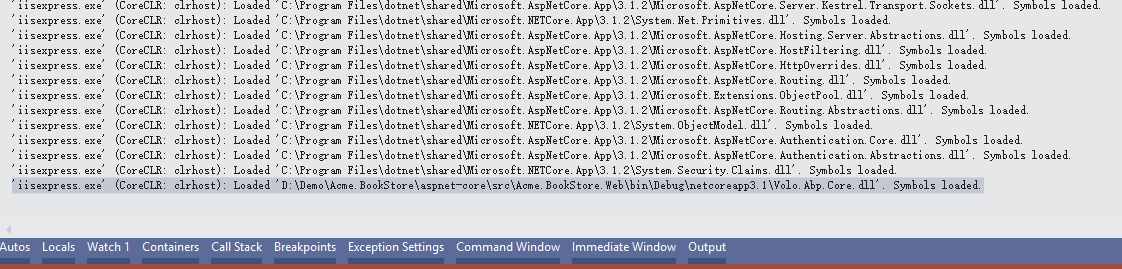
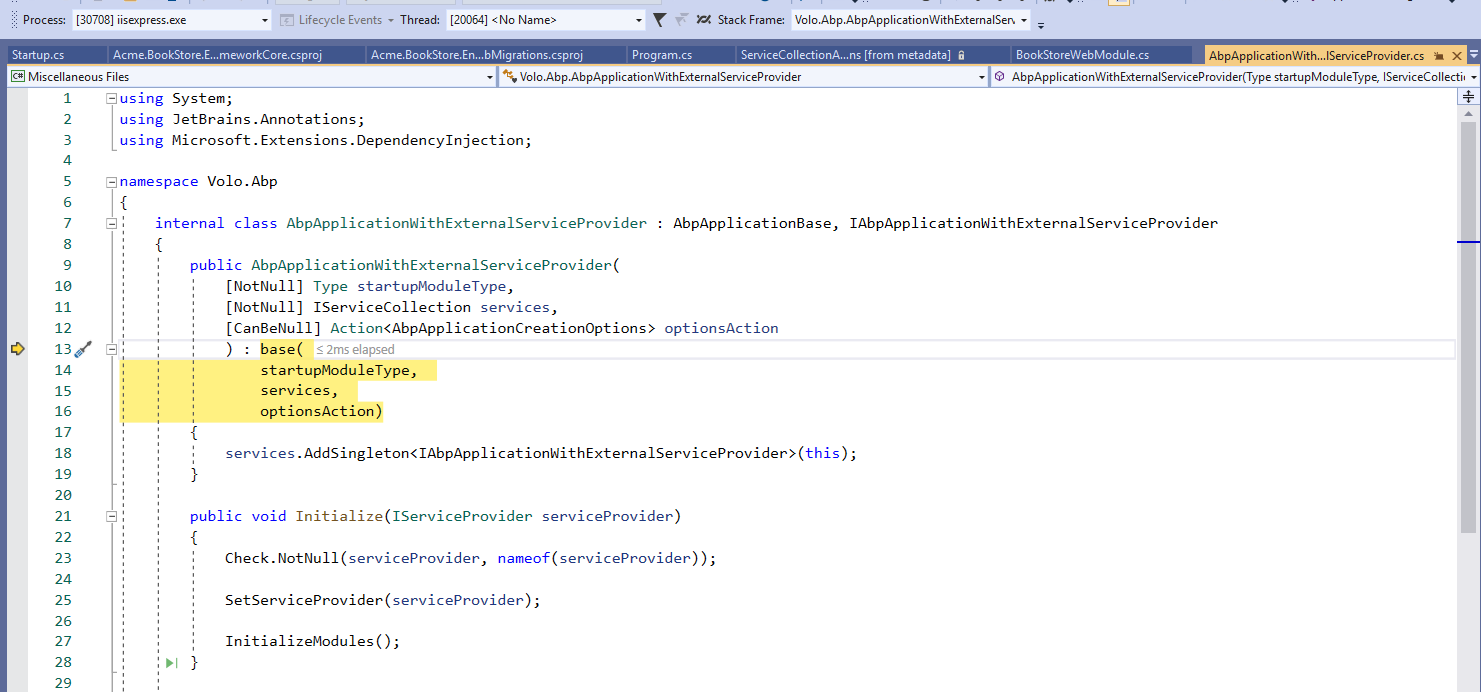
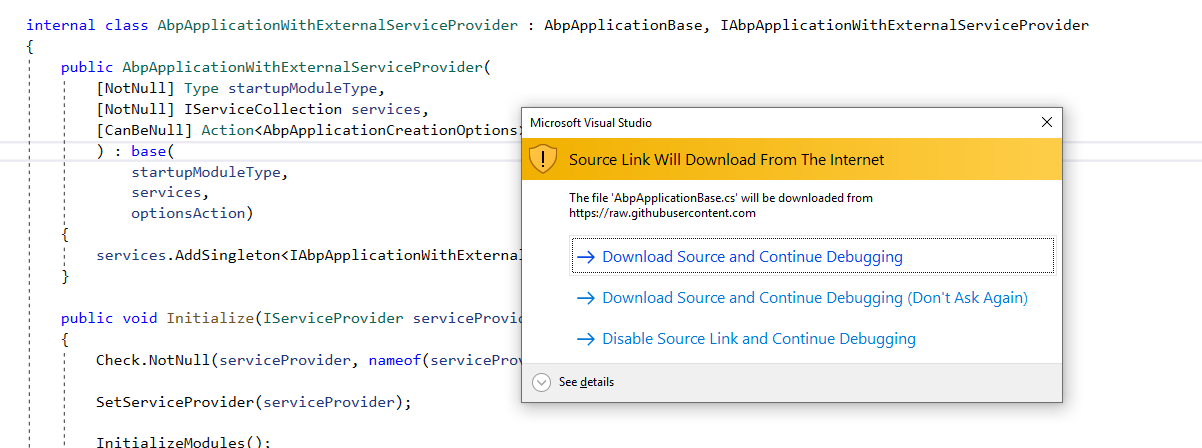
在用Abp或者asp.net core 開發過程中,難免會遇到稀奇古怪的問題,需要對底層源代碼進行調試,下面就教大家如何通過配置Visual Studio 2019來進行調試:
首先我們通過查看Abp的文檔,Abp vnext 支持SourceLink. 有介紹通過如果配置,可以進行調試:
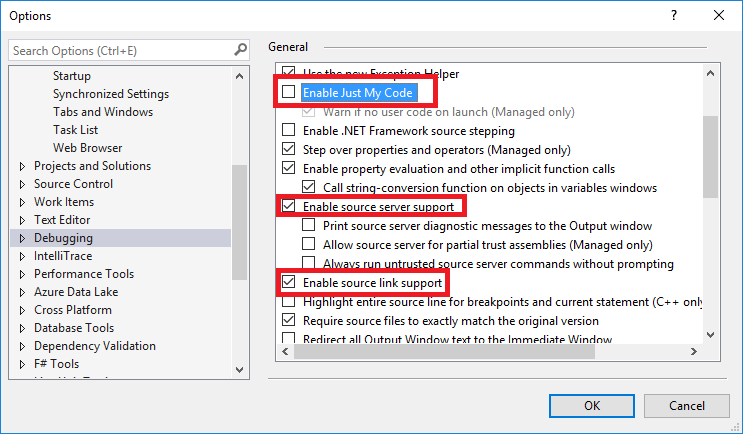
I set as mentioned above, it doesn't work.
You should do more settings:
- Enable Symbol Serves
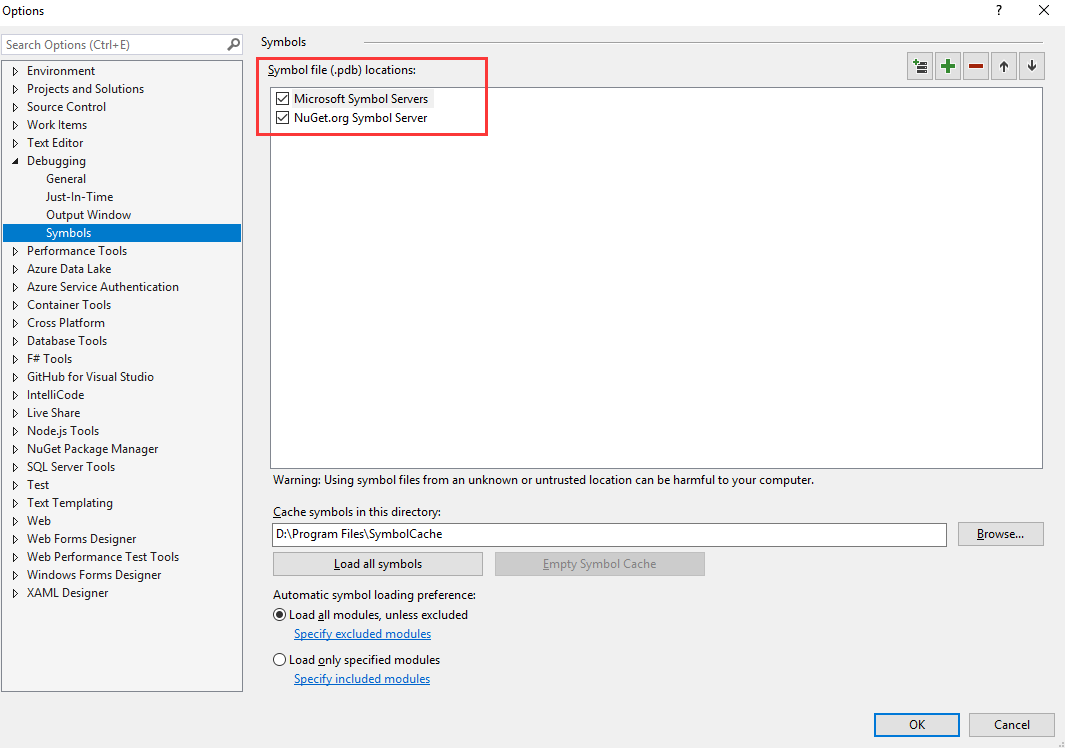
After this, you can debug the asp.net core source code, you can see the Symbols loaded in output window, but volo.abo.* symbols cannot be loaded. 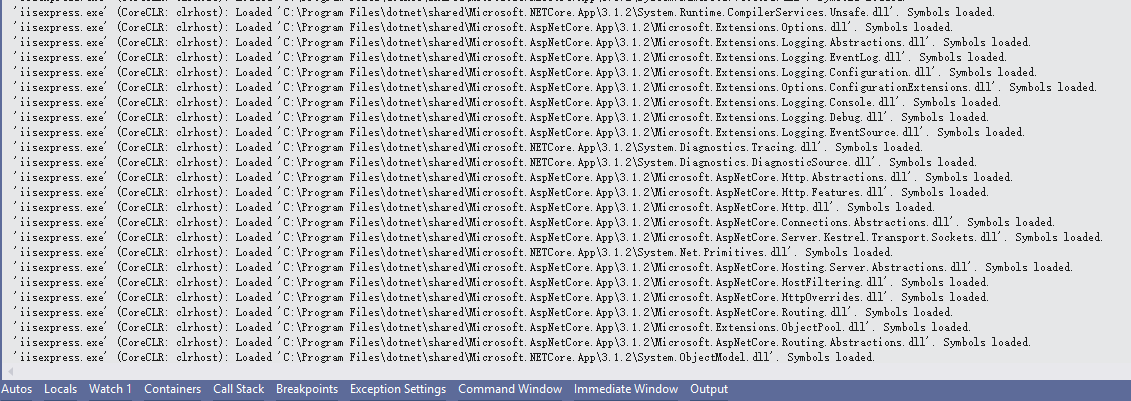
2.Copy Volo.Abp.Core.dll and Volo.Abp.Core.pdb to your working debug bin folder.
There are in the nuget install package path, like "C:\Users\[GerryGe]\.nuget\packages\volo.abp.core\2.3.0\lib\netstandard2.0"
After this I can step into abp source code, see my screenshots: