
根據千峰教育學習視頻所練習的筆記 | 學習一段時間,我也有寫一點東西的必要了···
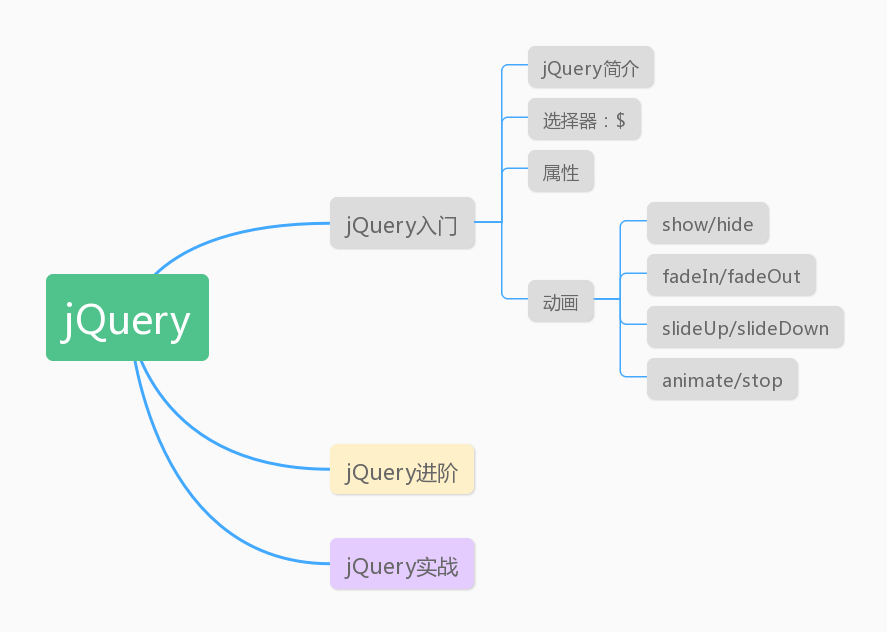
根據這張圖,不難看出今天的內容是講動畫。
1. jQuery給我們提供了4種制作動畫的方式:
| 制作動畫的方式 | 說明 |
|---|---|
| show / hide | 默認情況下是沒有動畫的,調用某元素的show/hide 時候會直接顯示/隱藏。當 show 和 hide 中傳遞了數字,我們我們要以固定時間來進行 show/hide ,這個時候才會有動畫效果 |
| fadeIn / fadeOut | fade意思是褪色,實際上就是改變元素透明度效果。fadeIn 將元素顯示出來,進入頁面,fadeOut將元素調出頁面。 |
| slideDown / slideUp | 像拉動卷簾門一樣來顯示/隱藏 |
| animate / stop | 改變元素寬高來進行動畫設置/停止動畫 |
2. 實現動畫效果:
2.1. show/down
- 在頁面設置一個 div,設置 div 樣式,添加顯示、隱藏按鈕
<style type="text/css">
    div{
        width: 200px;
        height: 200px;
        background: #87CEEB;
    }
</style>


<body>
    <button>顯示</button>
    <button>隱藏</button>
    <div></div>
    <script src="jquery-3.4.1.min.js"></script>
    <script>
        $('button:first').click(function(){
            $('div').show(4000); //選中div,並且調用show
        });
        $('button:last').click(function(){
            $('div').hide(4000);
        });
    </script>
</body>
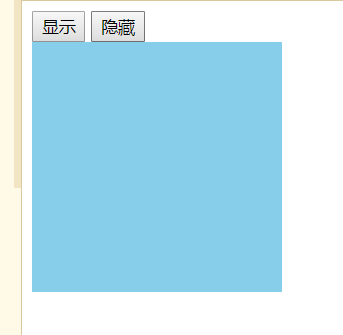 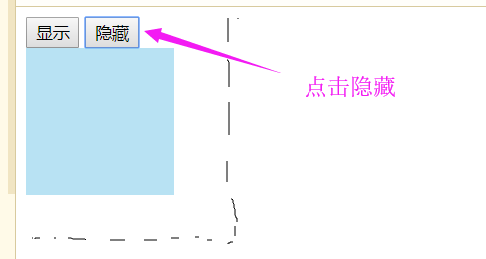
- 可以看到點擊隱藏/顯示,寬高透明度同時變化,將div隱藏/顯示
2.2. fadeIn / fadeOut
- 只需要改變上頭的動畫函數
<script>
    $('button:first').click(function(){
        $('div').fadeIn(4000);
    });
    $('button:last').click(function(){
        $('div').fadeOut(4000);
    });
</script>
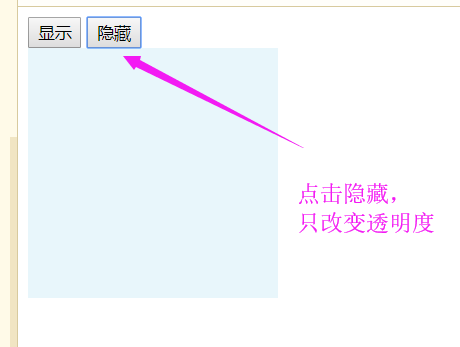 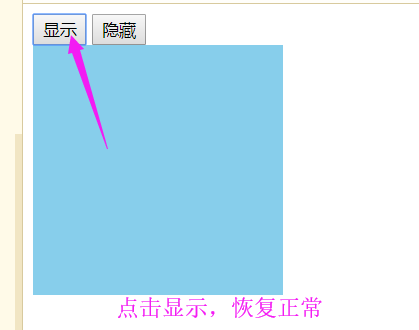
-
點擊隱藏/顯示,只改變透明度
2.3. slideDown / slideUp
- 同理
<script>
    $('button:first').click(function(){
        $('div').slideDown(4000);
    });
    $('button:last').click(function(){
        $('div').slideUp(4000);
    });
</script>
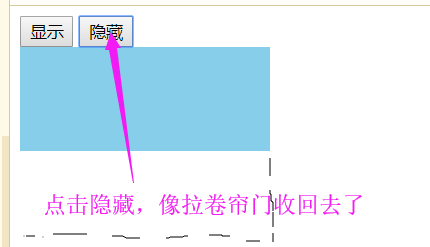
-
點擊隱藏/顯示,拉窗簾方式
2.4. animate / stop
2.4.1 設計animate動畫
<script>
    $('button:first').click(function(){
        $('div').animate({
        //第一個參數:要改變的屬性,可以是多個屬性
            width:400,
            height:400
        });
})
    $('button:last').click(function(){
        $('div').animate({
        width:100,
        height:100
        })
    })
</script>
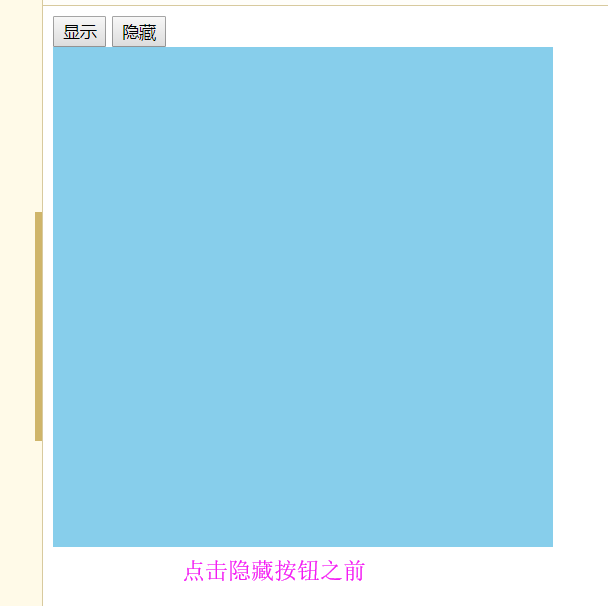 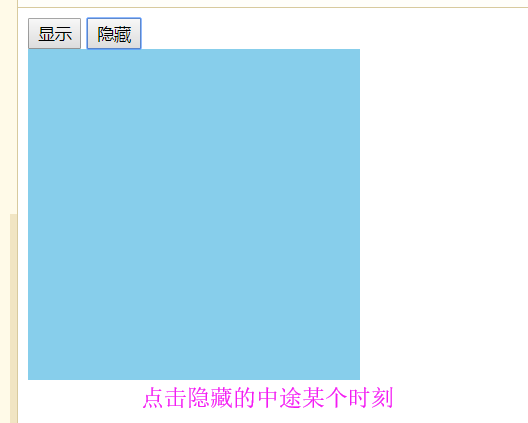
- 我們回頁面上操作,發現是同時等比例改變寬、高和透明度。如果我想先改變其中一個屬性再改變另一個屬性,可以這樣做: ```html ```
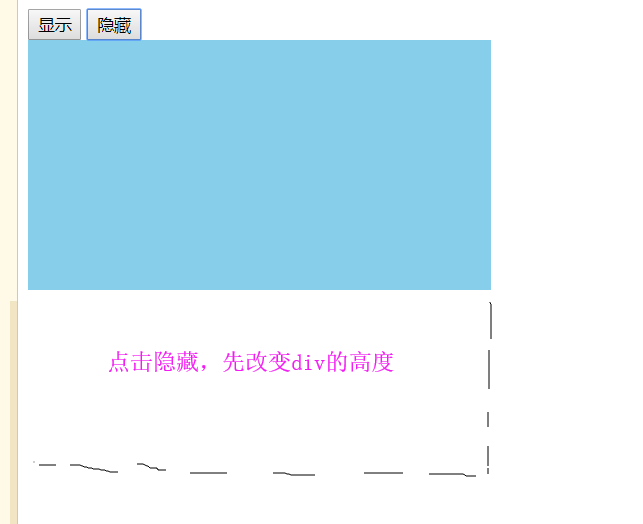
- 通過animate演示,我們可以知道調用一個元素的動畫函數的時候,都會為元素添加動畫隊列,並且每調用一次函數,隊列中就添加一個動畫事件。當其中的一個動畫事件結束才開始下一個動畫
2.4.2. 停止動畫
- 先添加一個停止動畫的按鈕
<button>停止動畫</button>
- 設置停止
<script>
    $('button:first').click(function(){
        $('div').animate({
            width:500
        },4000 ).animate({
            height:600
        },4000);
    });
    $('button:eq(1)').click(function(){
    /*子元素選擇器只有:first和:last,第一個和最后一個。需要選取中間的子元素使用eq(index);index是子元素數組的下標*/
        $('div').animate({
            height:200
        },4000).animate({
            width:200
        },4000);
    });
        $('button:last').click(function(){
            $('div').stop();
</script>
- 回到頁面操作,發現停止的是當前隊列正在執行的動畫,不影響下一次動畫
- 如果我要停止全部動畫,可以將stop()參數傳入true