
一個示例
考察下面的代碼:
  <head>
    <title>css filter issue</title>
    <style>
      body {
        height: 200vh;
        background: #ddd;
      }
      .container {
        background: grey;
        height: 200px;
      }
      .fixed {
        color: red;
        position: fixed;
        top: 0;
        right: 0;
      }
    </style>
  </head>
  <body>
    <div class="container">
      <div class="fixed">fixed item</div>
    </div>
  </body>
頁面中有一個位於右上角 position: fixed 定位的元素。按照預期,在頁面滾動時它將固定在那個位置。
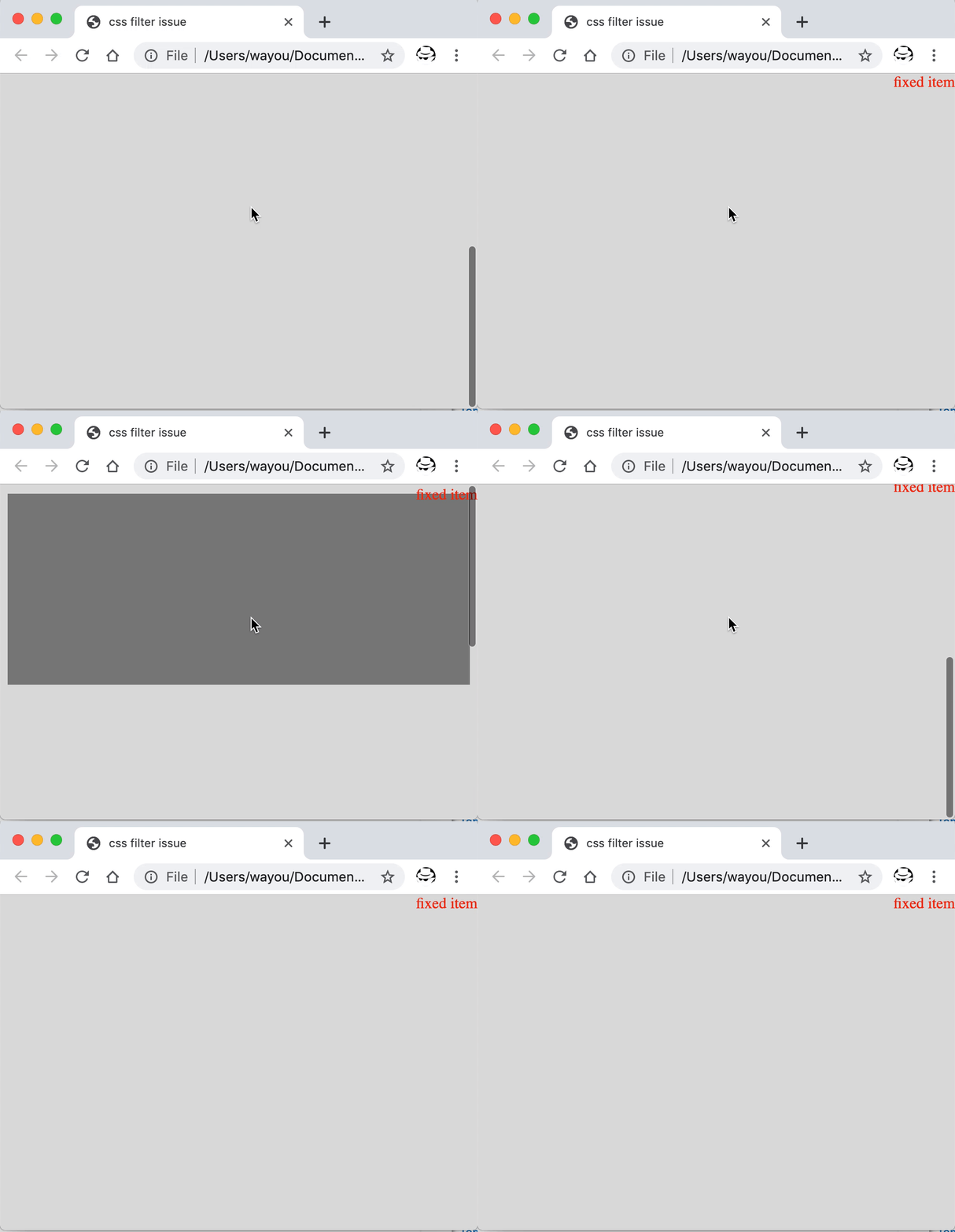
正常的 fixed 元素其表現
現在對容器加應用 CSS filter 樣式,
 .container {
+  filter: invert(1);
   background: grey;
   height: 200px;
 }
再觀察結果,注意到 fixed 元素不再 fixed 了。
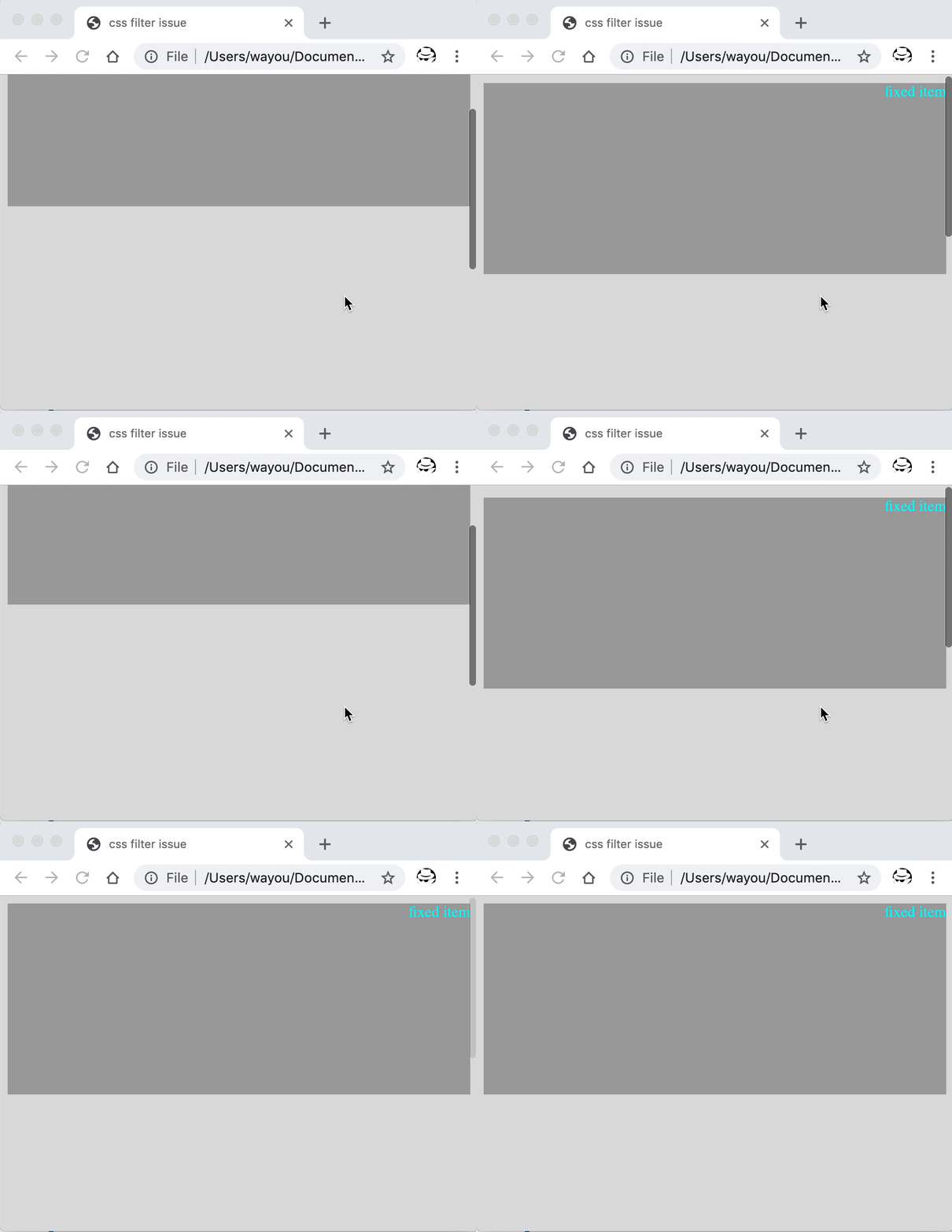
fixed 元素不再生效
原因
根據 W3C 對 filter 的描述:
A value other than none for the filter property results in the creation of a containing block for absolute and fixed positioned descendants unless the element it applies to is a document root element in the current browsing context. The list of functions are applied in the order provided.
對於指定了 filter 樣式且值不為 none 時,被應用該樣式的元素其子元素中如果有 position 為 absolute 或 fixed 的元素,會為這些元素創建一個新的容器,使得這些絕對或固定定位的元素其定位的基准相對於這個新創建的容器。
相同的情況對 transform 也適用,以下是 W3C 規范的描述:
In the HTML namespace, any value other than none for the transform results in the creation of both a stacking context and a containing block. The object acts as a containing block for fixed positioned descendants.
解決
這里只看 filter 的修復。條件允許的情況下,有如下兩種方式。
將 filter 應用到根節點
因為根據規范中對 filter 的描述,如果 filter 應用到根節點,則不會創建新的容器。所以可以將 filter 樣式寫到 html,如果條件允許的話。
html{
    filter: invert(1);
}
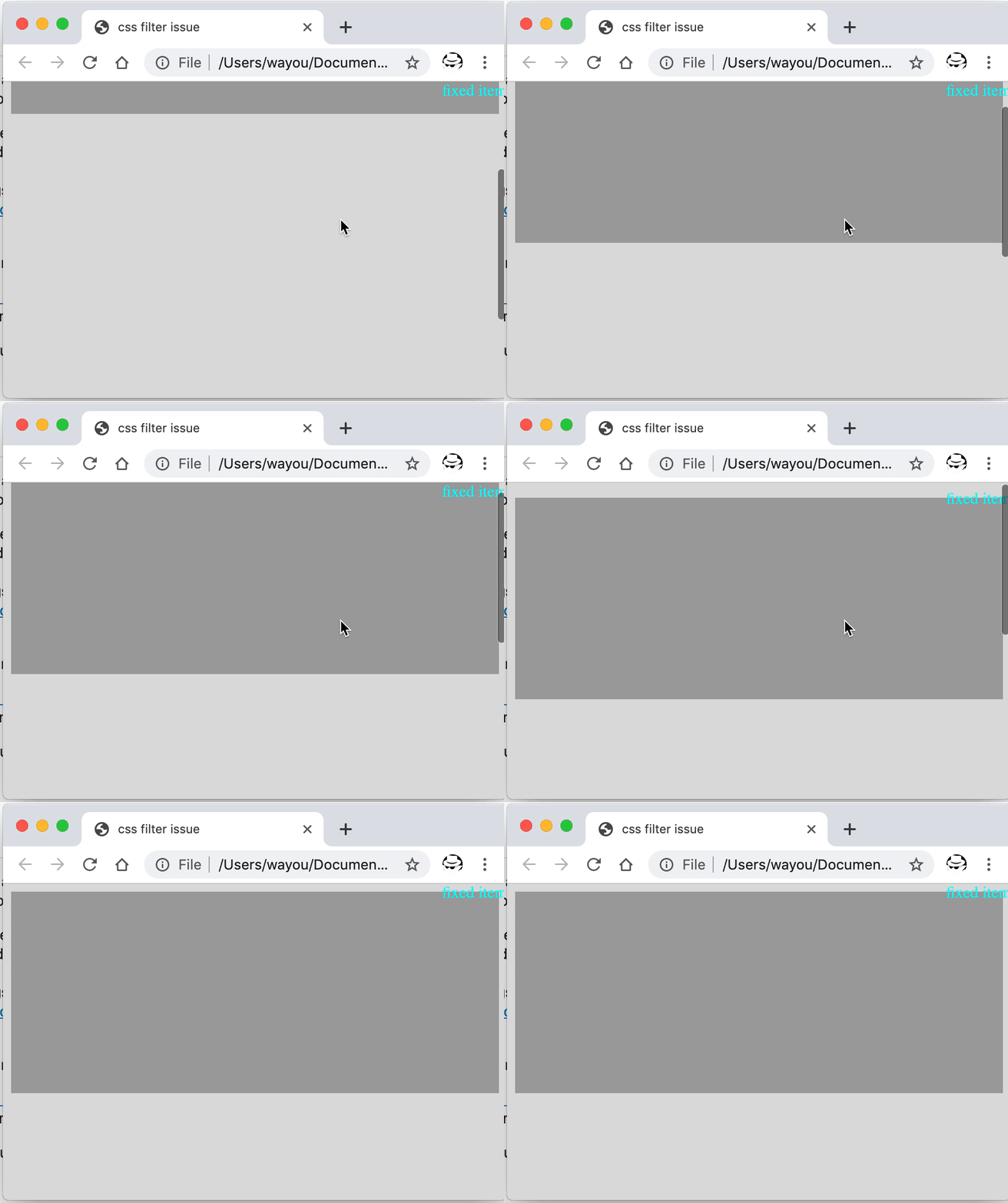
將 `filter` 應用到根節點后的修復
將 filter 應用到非正常定位的元素上
對於 filter 樣式,還可以將其只應用到出問題的這些非正常定位的元素身上來解決。
 .fixed {
+   filter: invert(1);
   color: red;
   position: fixed;
   top: 0;
   right: 0;
 }
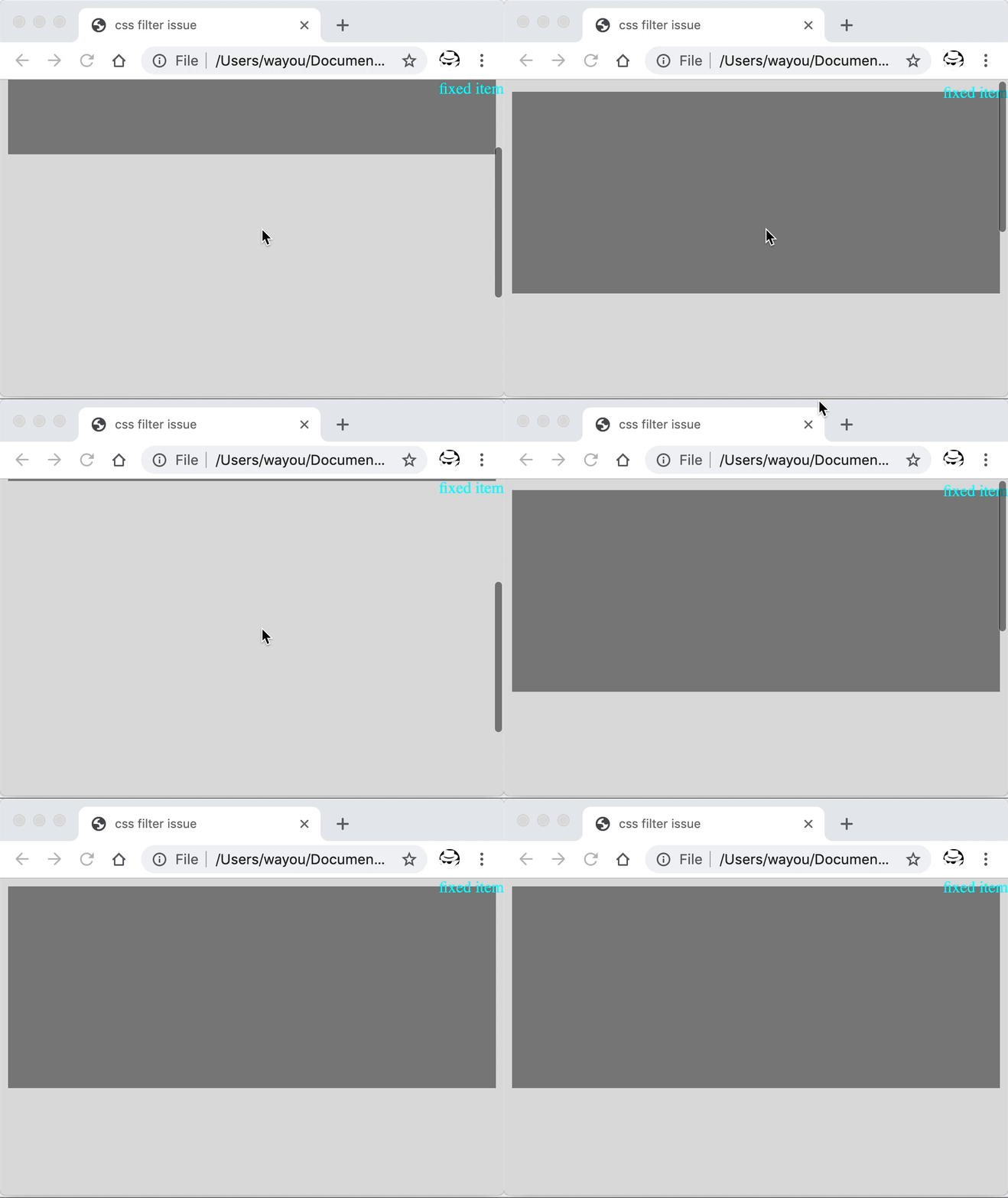
將 `filter` 應用到固定定位的元素本身身上